
 Nora
Nora 0.9.0 adds a built-in feed reader on Android, iOS, and desktop. Follow accounts across X, Instagram, Bluesky, Mastodon, and other supported networks, then organize their posts into your own chronological timelines. Many sources work without signing in.
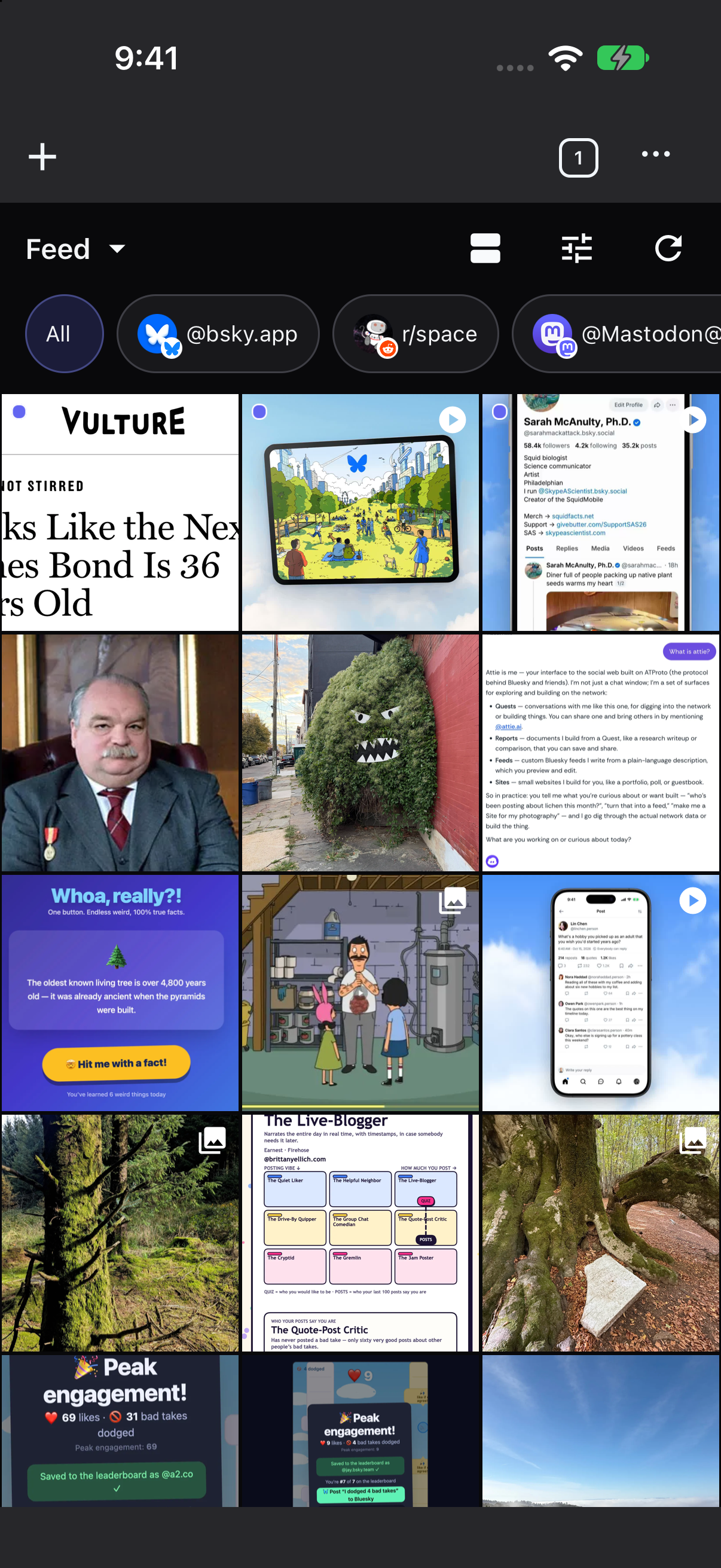
Browse everything together, separate your interests into different timelines, or switch to a grid of photos and videos.
Follow Accounts Across Social Networks
Open a supported profile or community in a Nora tab and select Watch from the menu. Its latest posts will appear in Nora’s Feed. Tap a post to open the original page whenever you want to read replies or interact.
Custom Timelines
Read chronological updates from watched social accounts across Bluesky, Reddit, Mastodon, and more.
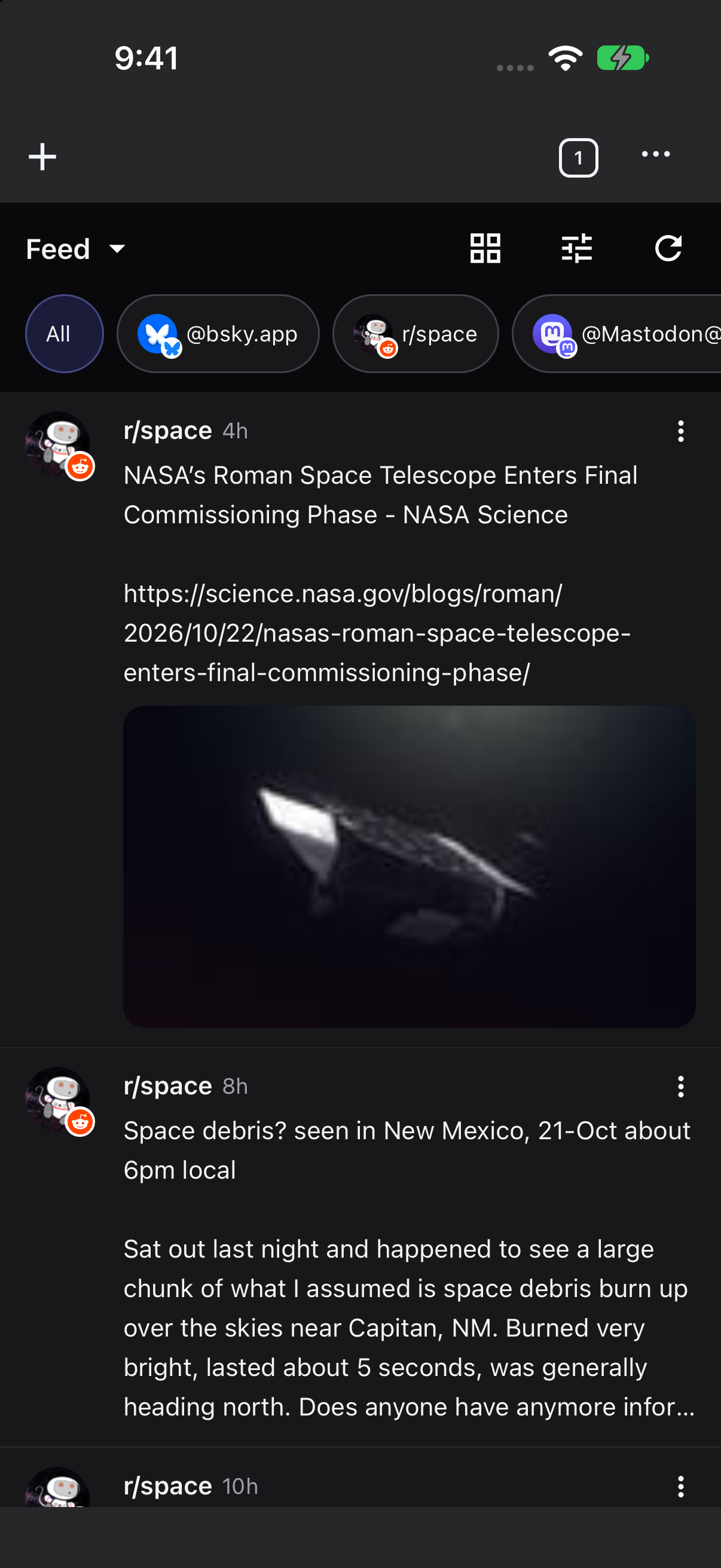
Photo & Video Grid
Switch any timeline to show only photos and videos in a visual grid, then swipe through them in the full-screen gallery.
Add & Manage Sources
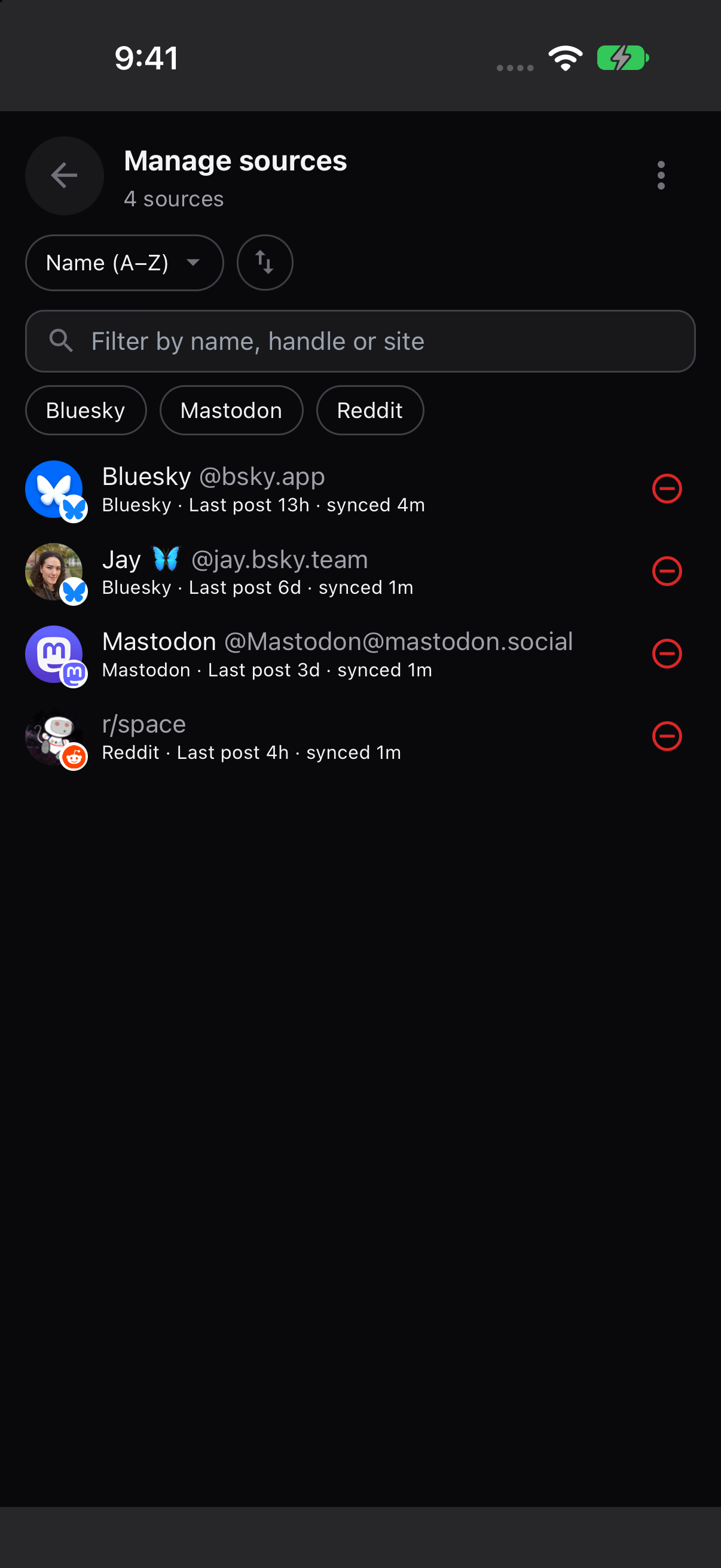
Paste profile links in bulk, import OPML files, or filter and sort your watched sources from a dedicated screen.
You can follow:
- X (Twitter), Instagram, Threads, Bluesky, and TikTok profiles
- Mastodon profiles across servers
- Reddit subreddits and user profiles
- Facebook pages, profiles, and groups
To add several sources at once, paste a list of profile links or import an OPML file. OPML folders become timelines, so you can bring your existing organization with you. The Manage Sources screen lets you search, filter, and sort the accounts you follow, and export them again.
Organize Your Own Timelines
Keep friends, news, and hobbies in separate custom timelines, each with its own emoji icon and feed tab. Pin a timeline to the New Tab page for quick access, or keep all your sources together in one feed.
Within a timeline, tap an author’s avatar or name to focus on their posts. You can also choose a source from the picker at the top of the feed.
Choose how often Nora checks for updates and which posts trigger notifications. Set defaults for all sources, adjust them for a timeline, or mute an individual source. If a network needs a login, you can choose which Nora profile to use for that network or turn signed-in checks off.
Your watched sources and timelines are included in settings backups and optional cloud sync, so you can keep them across devices.
Browse Photos and Videos
Switch a timeline to Only photos and videos to browse its media in a grid. Open an image or video to swipe through the gallery, zoom in on photos, play videos, or download media to your device.
Nora caches feed posts and media locally. You can limit media storage, clear the cache, and restrict media prefetching to Wi-Fi.
Other Improvements
This release also adds:
- Tab reordering: Touch, hold, and drag tabs in the mobile tab switcher.
- Find in page: Search an open web page with live match counts and next/previous controls.
- Profile-aware links: Links stay in the originating tab’s profile, and you can long-press a tab to reopen it in another profile.
- Sync improvements: Changes to settings, bookmarks, and user styles merge across devices, with local backups available to restore.
See the changelog for the full release details.
Get Nora 0.9.0
Install or update Nora on Android, iOS, Linux, macOS, or Windows.
You can also explore the Nora documentation or read the release notes on GitHub.