
 Nora
Instagram or X stopped updating? Nora 0.9.2 adds optional alternative sources to help keep your feeds moving. It also brings timeline and gallery zoom, video speed controls, and a choice of where to save downloads on Android.
If you’re new to Nora’s feed reader, start with the 0.9.0 introduction.
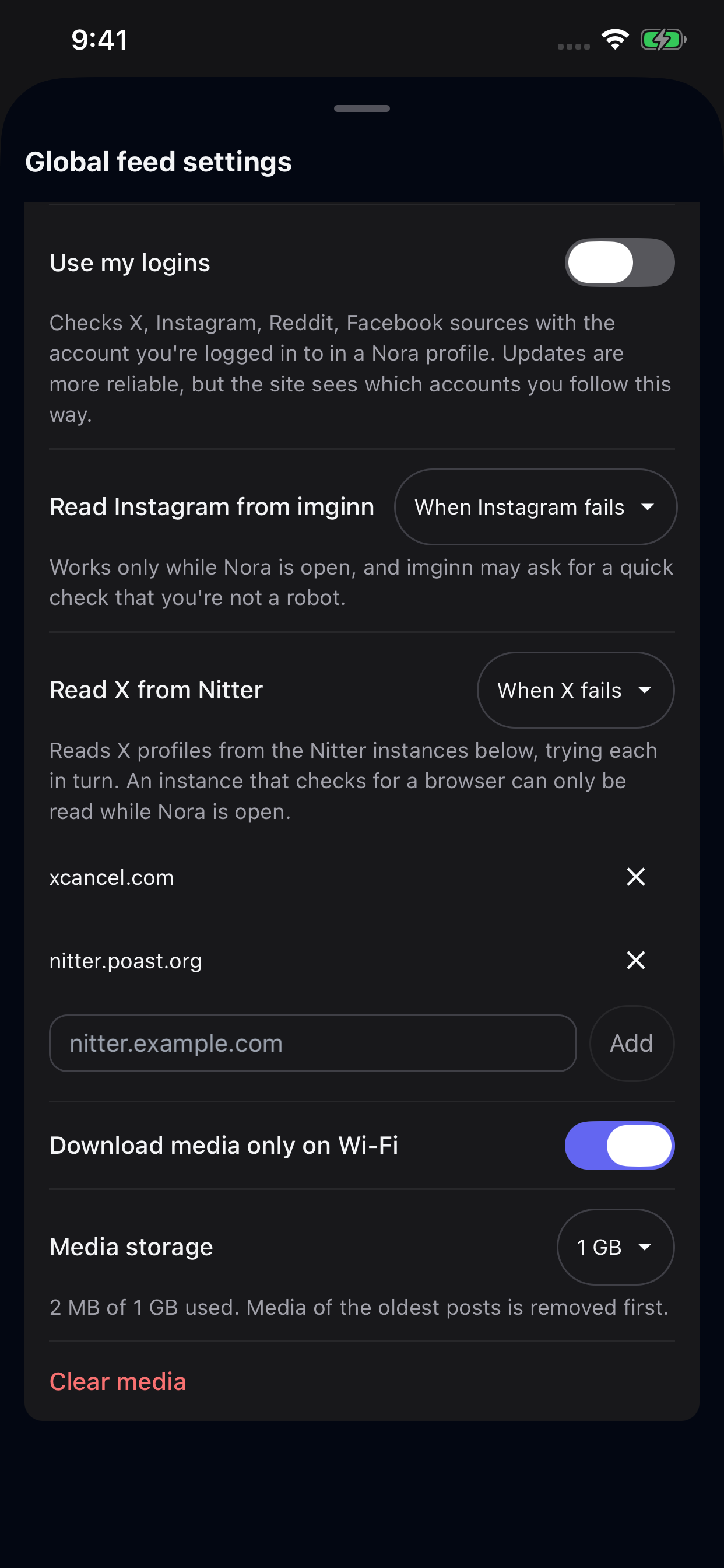
Read Instagram from imginn and X from Nitter
Following public Instagram and X profiles without signing in can run into login walls or rate limits. Nora 0.9.2 adds two opt-in alternatives in Feed Settings so your timelines can stay updated without logging in to an account:
- Read Instagram from imginn: Choose When Instagram fails to use imginn as a fallback, or First, then Instagram to check imginn first. Both modes work only while Nora is open. If imginn asks you to confirm you are not a robot, Nora prompts you to complete the check in-app.
- Read X from Nitter: Choose When X fails or First, then X and add one or more Nitter instance addresses. Nora tries your instances in turn. Instances that require a browser check work only while Nora is open.
Both options are off by default and can be enabled anytime in Feed Settings.
imginn & Nitter Sources
Read Instagram profiles from imginn and X profiles from your configured Nitter instances — as a fallback or primary source.
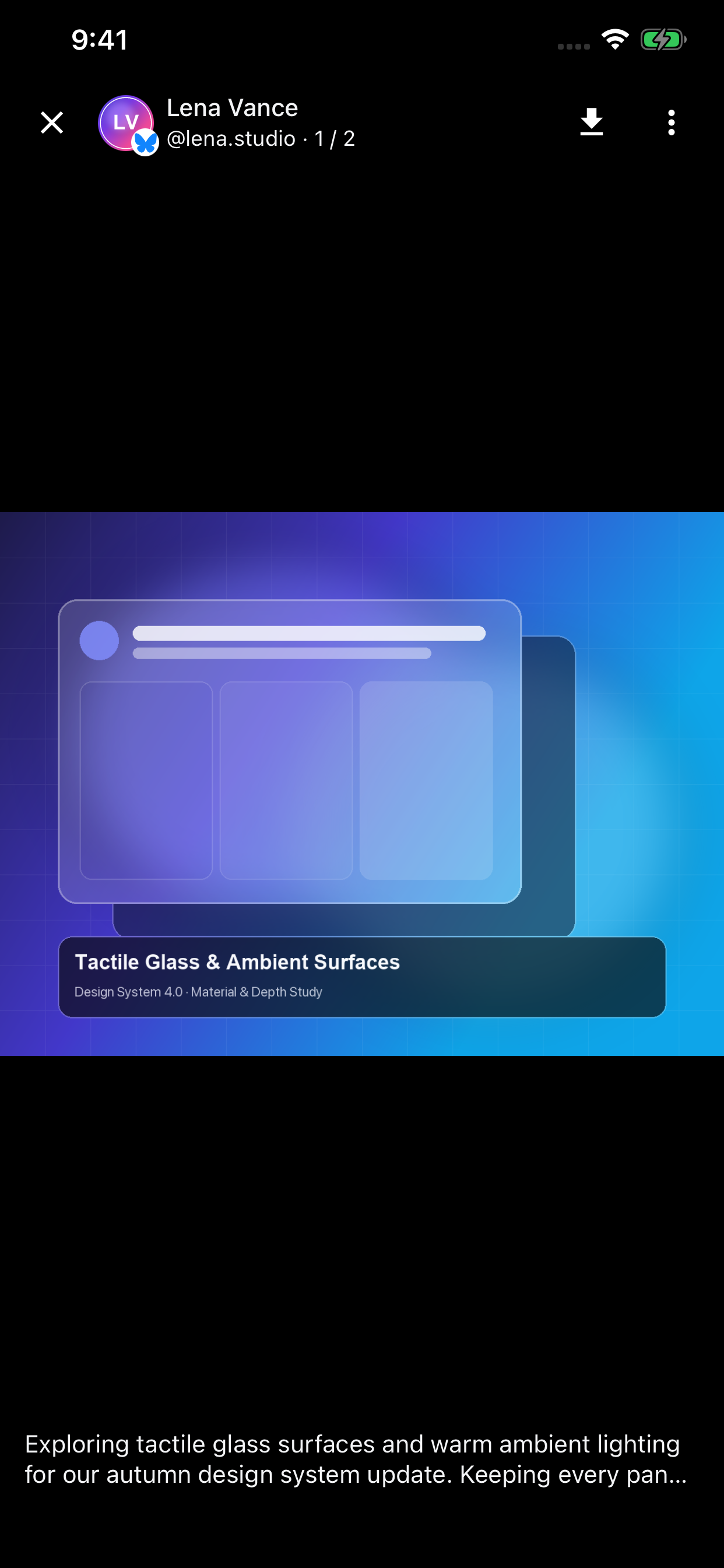
Full-Screen Gallery & Zoom
Pinch to zoom into photos and videos in the full-screen gallery, hold the screen edge to speed up playback, or save media directly.
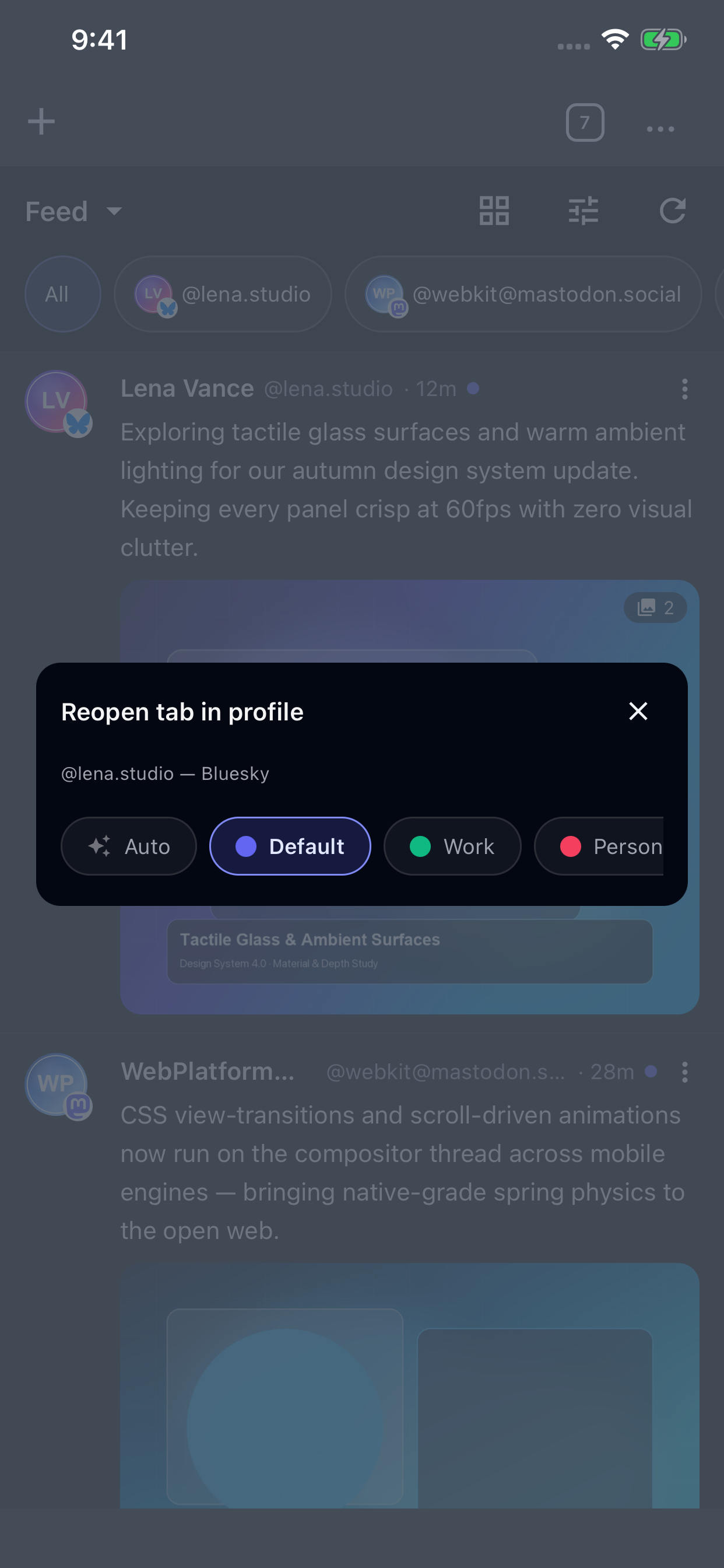
Reopen Tab in Profile
Switch any open mobile tab into another Nora profile directly from the header menu or tab switcher.
Feed Video Controls, Zoom, and Notifications
Catching up on timelines and media in the feed is also more flexible:
- Video speed controls in the gallery: Feed videos now use your Default video playback speed and Long-press edge for 2x speed preferences. Touch and hold the left or right edge of a playing video to jump to 2x speed, then slide horizontally to switch speeds.
- Timeline and gallery zoom: Pinch to zoom on mobile — or hold
Ctrl/Cmdand scroll on desktop — in both feed timelines and the full-screen photo and video gallery. Video playback and seek controls stay accessible while zoomed in. - Open notifications in timelines: Tapping a new-post notification now opens directly into the corresponding Nora timeline.
- Fallback for failed videos: When a video cannot be played in the full-screen gallery, you can open the post directly on the original site.
Downloads, Profiles, and Site Improvements
This release also includes several browsing and download improvements across platforms:
- Choose where to save downloads on Android: Turn on Ask where to save each download under Settings → Downloads to pick the destination folder and filename for each file. This release also makes saving downloads more reliable.
- Reopen in profile from the header menu: Switch the active mobile tab into another Nora profile directly from the header menu, in addition to long-pressing tabs in the tab switcher.
- TikTok and Instagram fixes: Watch TikTok videos with a new fullscreen button and download videos more reliably from TikTok and Instagram, including when logged out of Instagram.
- Smoother scrolling and background checks: Pages no longer jump when the toolbar hides or appears, and background feed checks work better on Android.
See the changelog for the full release details.
Get Nora 0.9.2
Install or update Nora on Android, iOS, Linux, macOS, or Windows.
You can also explore the Nora documentation or read the release notes on GitHub.