
 NouTube
 0.7.10 for Android reduces the wait before a video starts playing. This post also covers the additions from 0.7.9: choosing a download folder on Android and reading community posts from your saved channels in the feed reader.
Less Waiting Before Playback
NouTube now processes video page responses as they arrive, so playback can begin without waiting for the whole response. With ad blocking enabled, it also requests playback without pre-roll ads, reducing another source of startup delay.
Related improvements on desktop let the video page start loading sooner, too. There is no new setting to enable for these changes.
Choose a Download Folder on Android
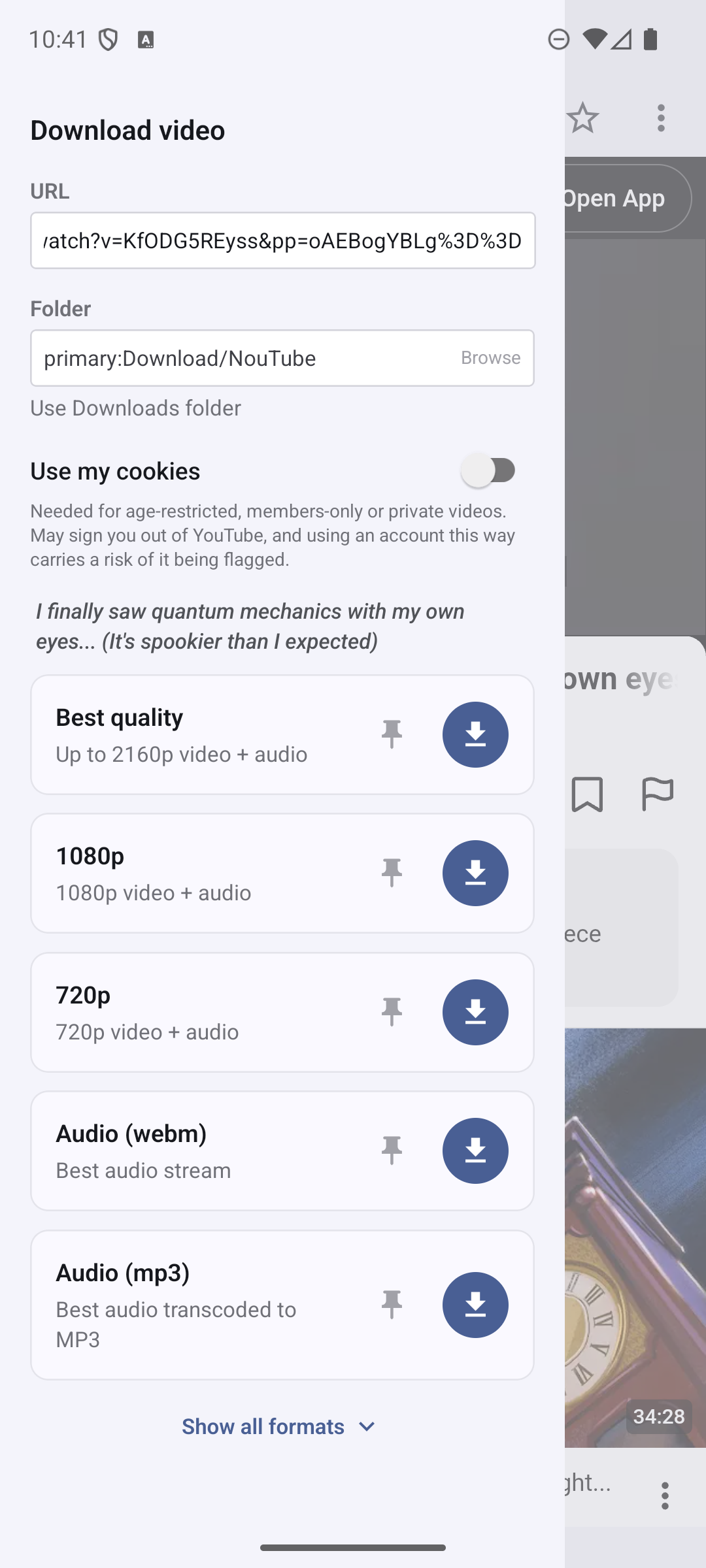
Want to keep downloaded videos in a dedicated folder? On Android, you can now choose where they are saved.
In the download dialog, tap Browse under Folder, then choose a folder in the Android folder picker. To return to the default location, tap Use Downloads folder.
Community Posts in the Feed Reader
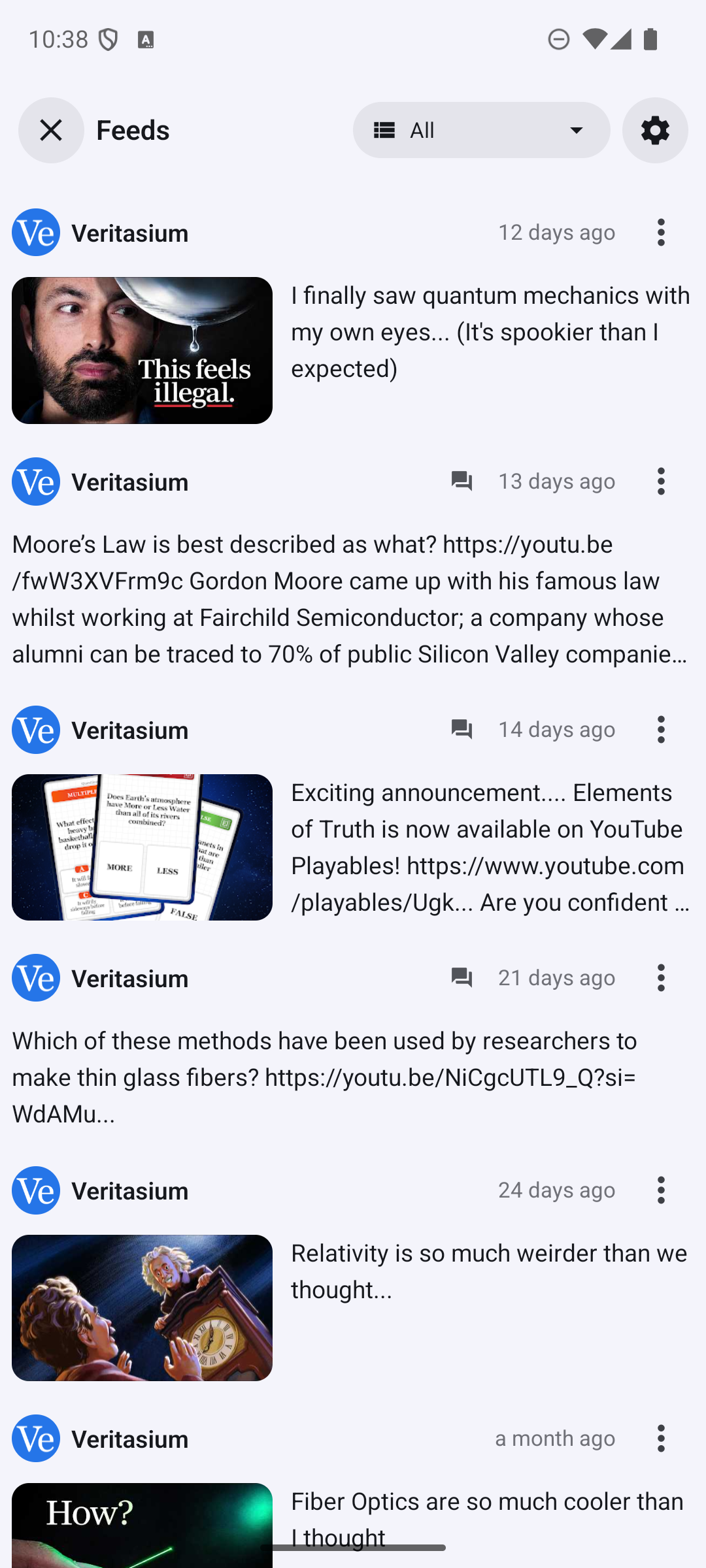
Your saved channels may share updates between video uploads. Channels feed can now include their community posts alongside videos, so you can read both in one place.
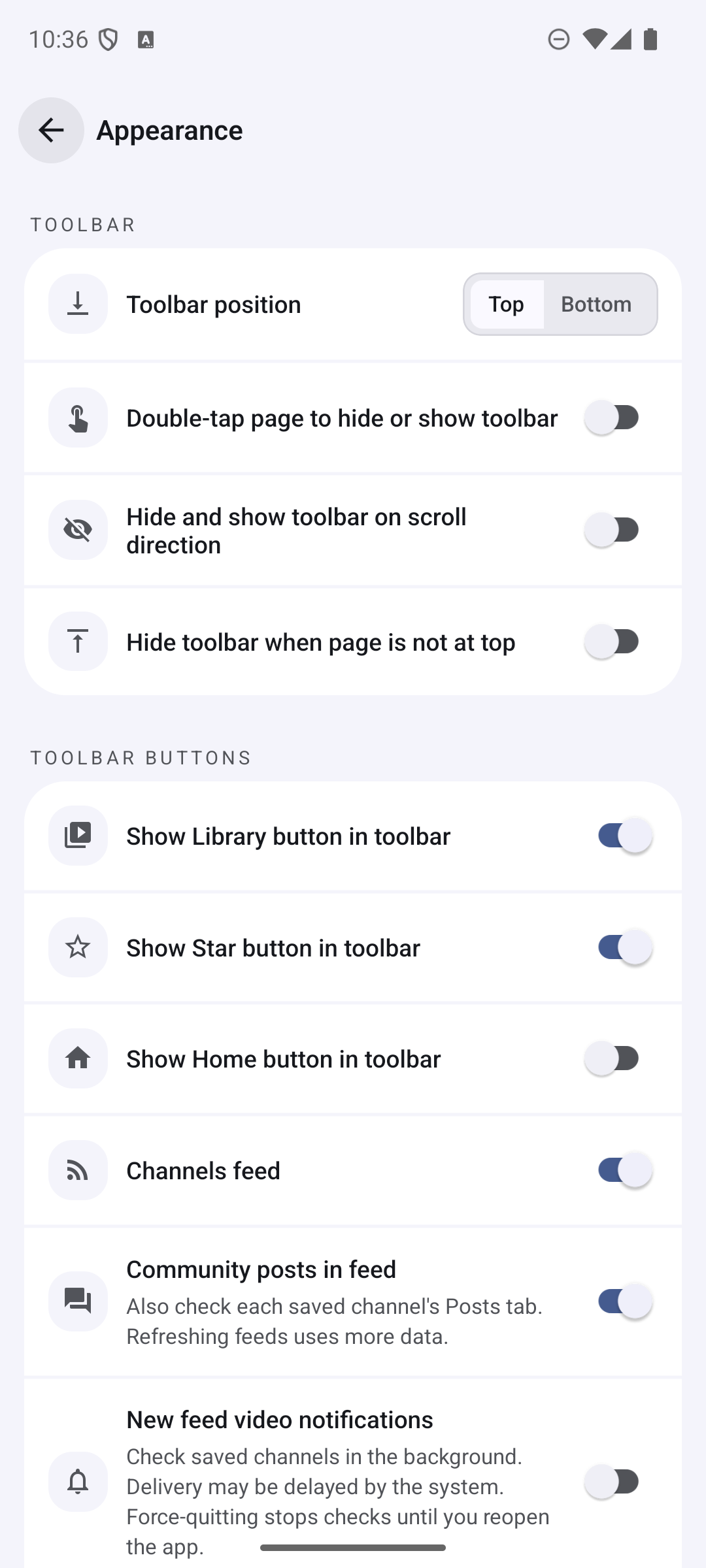
To try it, open Settings → Appearance and turn on Community posts in feed, just below Channels feed. It is off by default: including posts means checking each saved channel’s Posts tab, which uses more data when refreshing the feed.
Smaller Fixes
The updates also make a few everyday interactions smoother:
- Android landscape layout: App views and translation cards stay clear of the system navigation bar.
- Android link menus: Long-press menus for video links show the correct video titles and action icons.
- Desktop bookmarks: Starring a video from its thumbnail saves the correct title.
Translations have also been updated for Polish, French, Galician, Italian, Portuguese (Brazil), and Russian.
See the release notes on GitHub for the complete list of changes.
Get NouTube
Install or update NouTube, or explore the NouTube documentation to learn more.