Desktop
Nora ships as a desktop app for Linux, macOS, and Windows.
What Desktop Adds
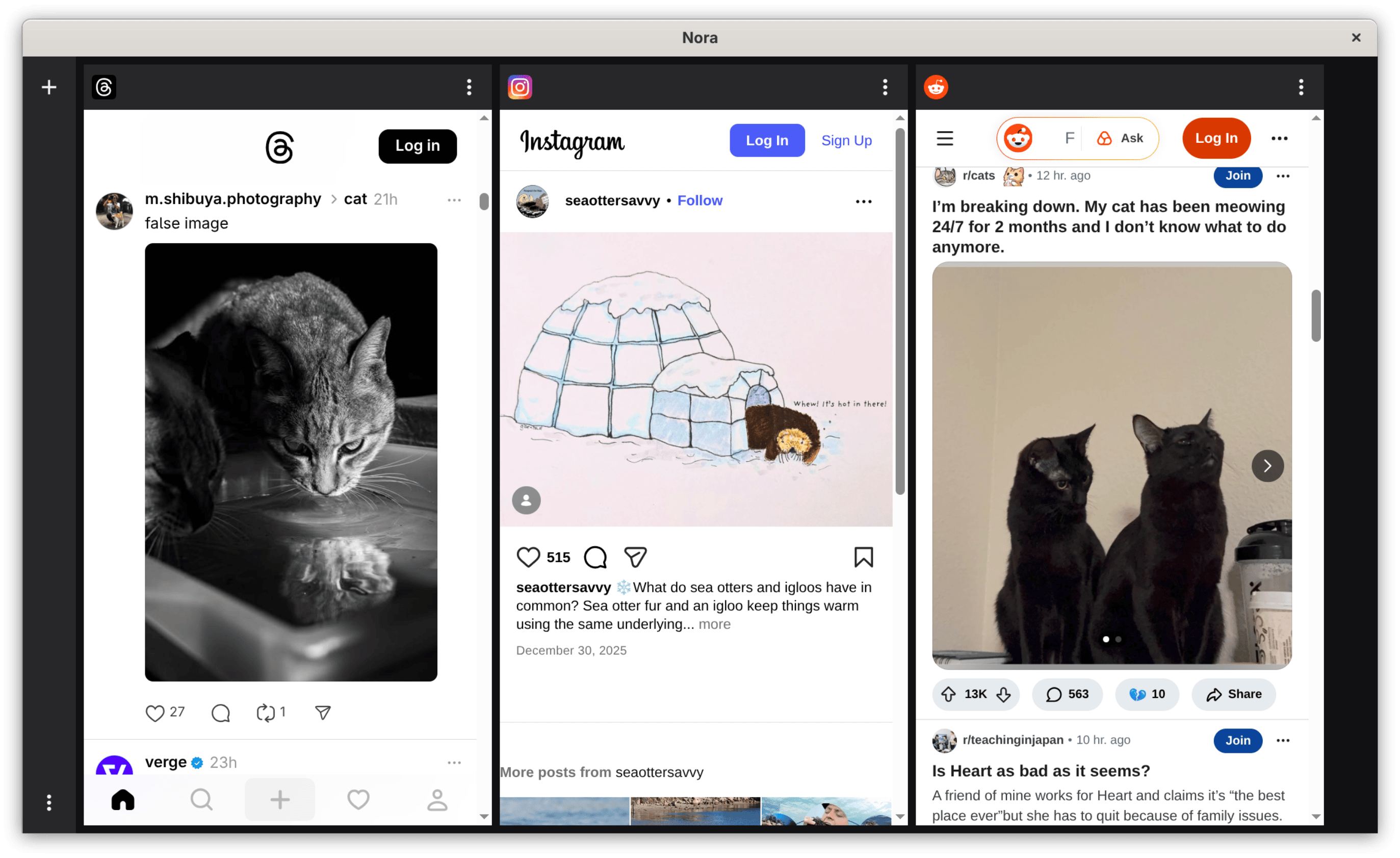
Section titled “What Desktop Adds”The desktop version adds a layout designed for larger screens, including a deck view for browsing multiple timelines more comfortably.
That makes desktop the better fit when you:
- Monitor several feeds at once
- Keep separate workspaces open for different accounts or services
- Want Nora to function as a persistent daily browser rather than a quick mobile tool
What To Expect
Section titled “What To Expect”Desktop keeps the same overall product model as mobile:
- Open supported social sites inside one app
- Use account separation and browsing tools on a larger screen
- Install native packages for Linux, macOS, or Windows
Screenshots
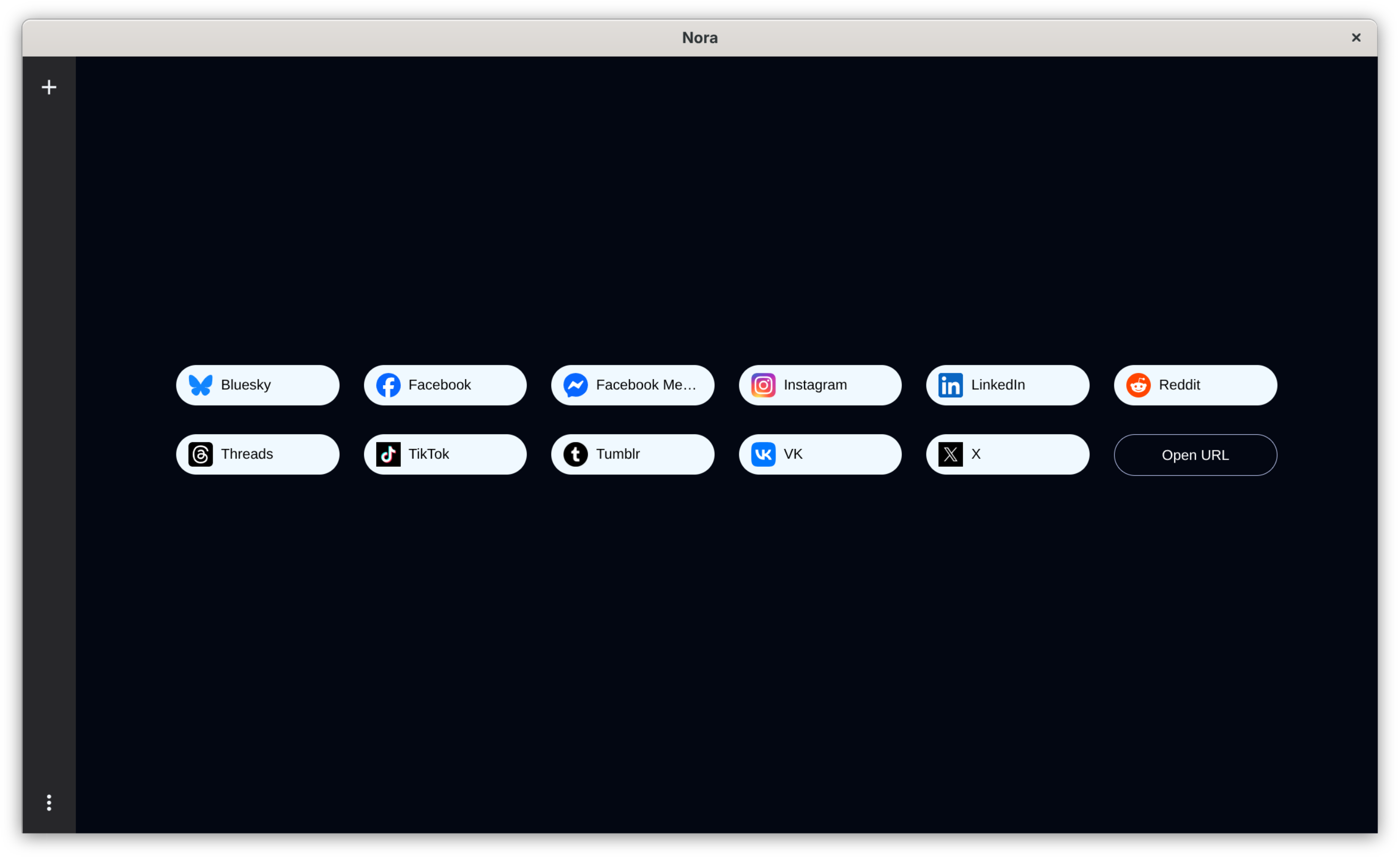
Section titled “Screenshots”Start Page
Start page for switching services and opening the app’s main tools.
Deck View
The multi-column desktop view designed for watching several timelines more comfortably.
Download Flow
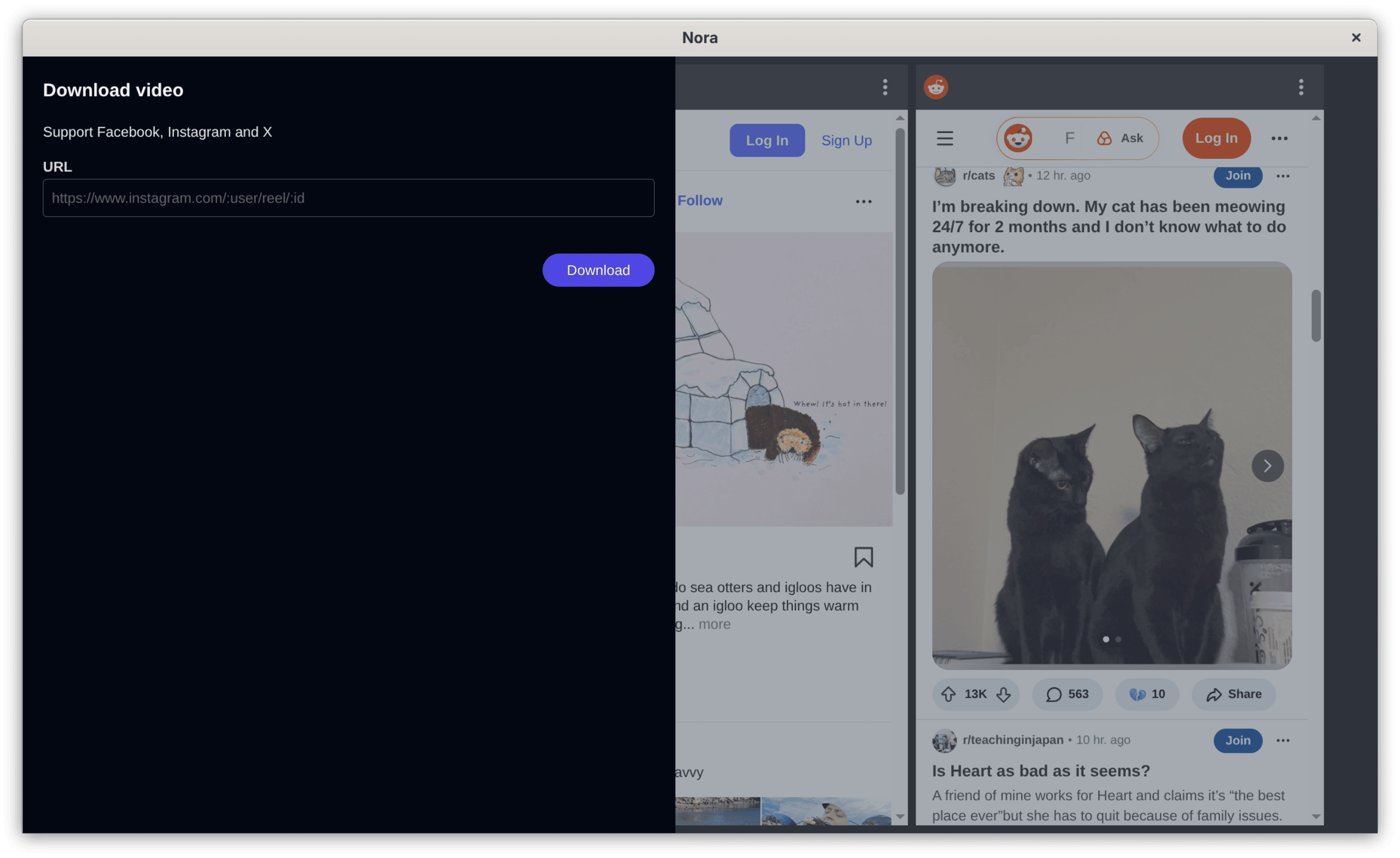
Saving media from a supported service on desktop.
For the latest installers and release notes, see the Nora Desktop releases page.