Screenshots
These screenshots highlight core mobile flows in Nori, including list management, launching, history, and edit mode.
Launcher
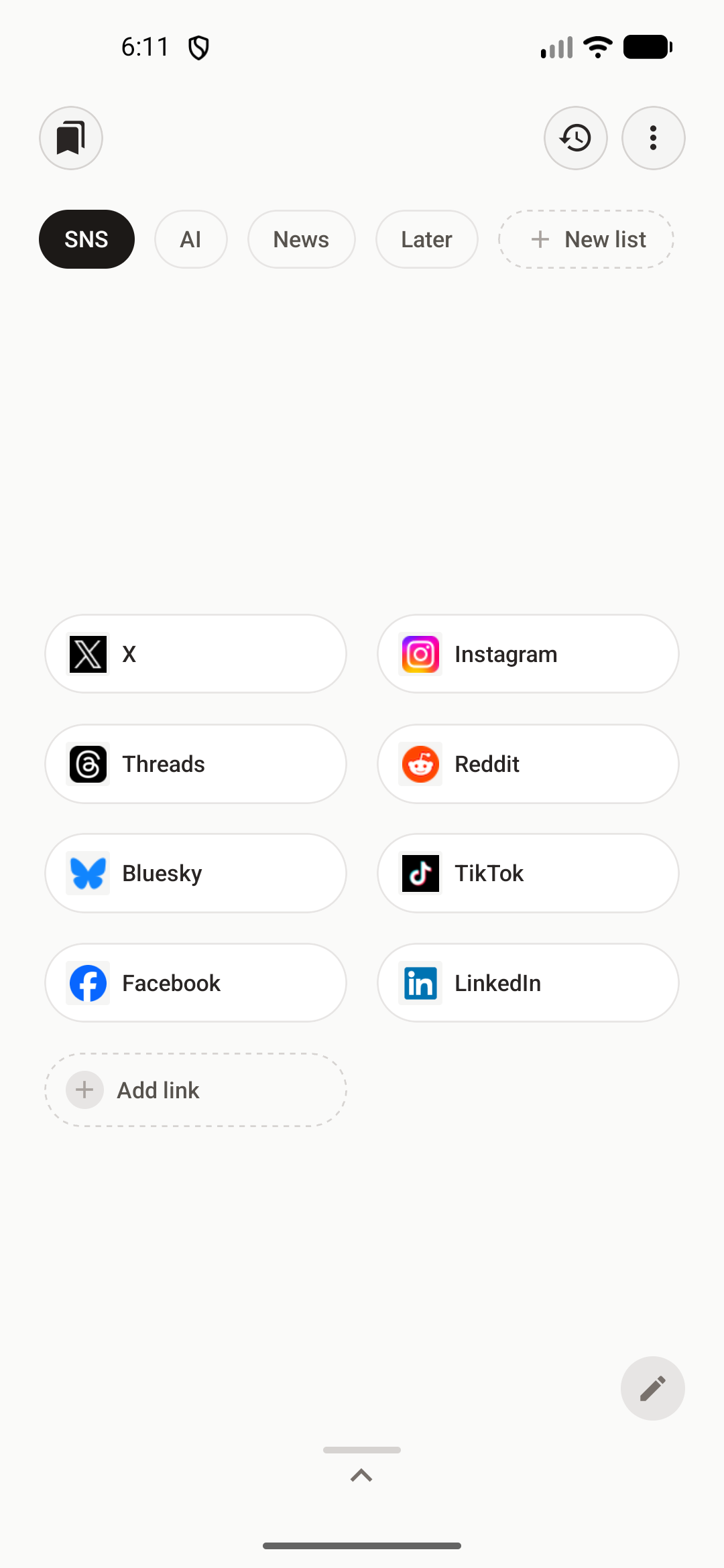
Home Screen
The main launcher view showing category tabs and clean, one-tap bookmark launch buttons.
Organization
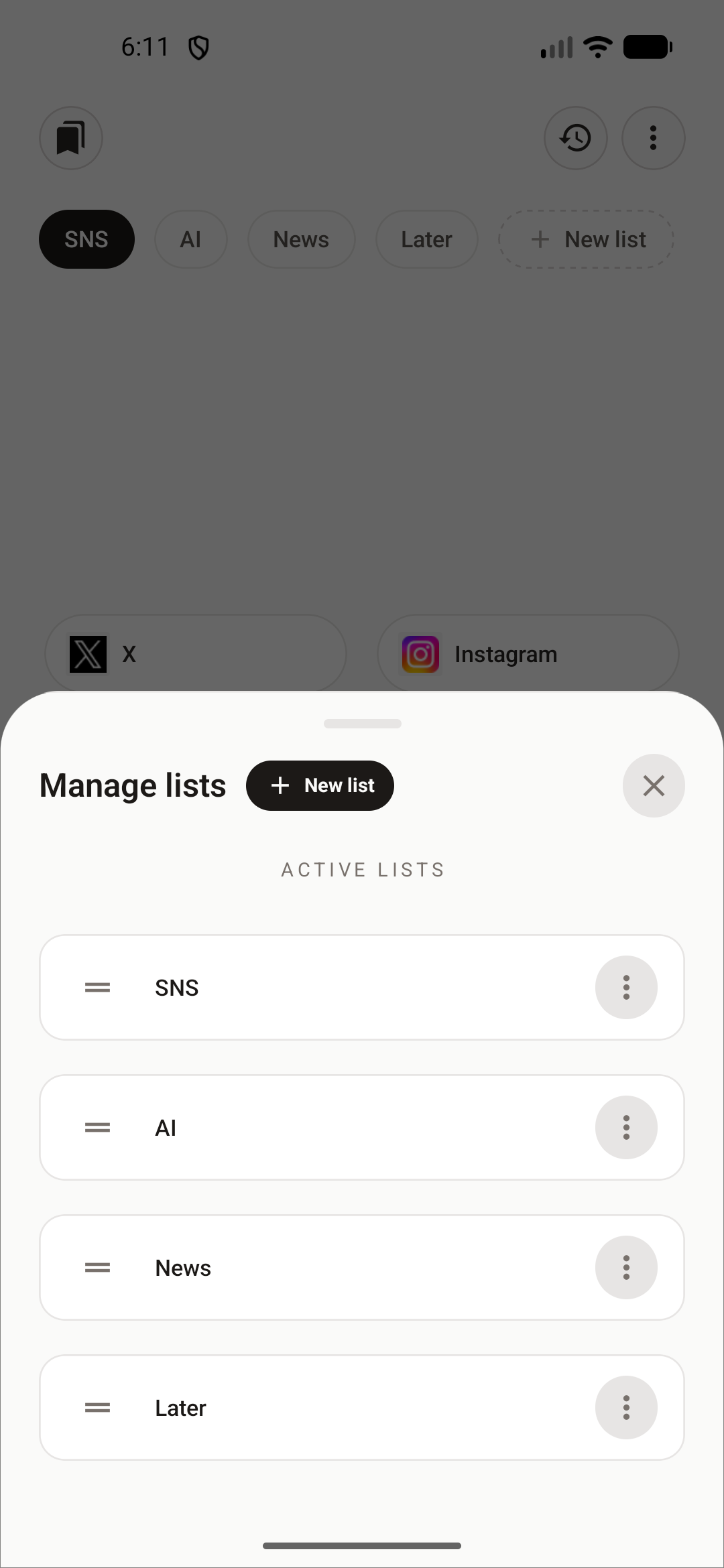
Manage Lists
Organize bookmarks into custom lists with drag-to-reorder, rename, hide, and create actions.
Activity
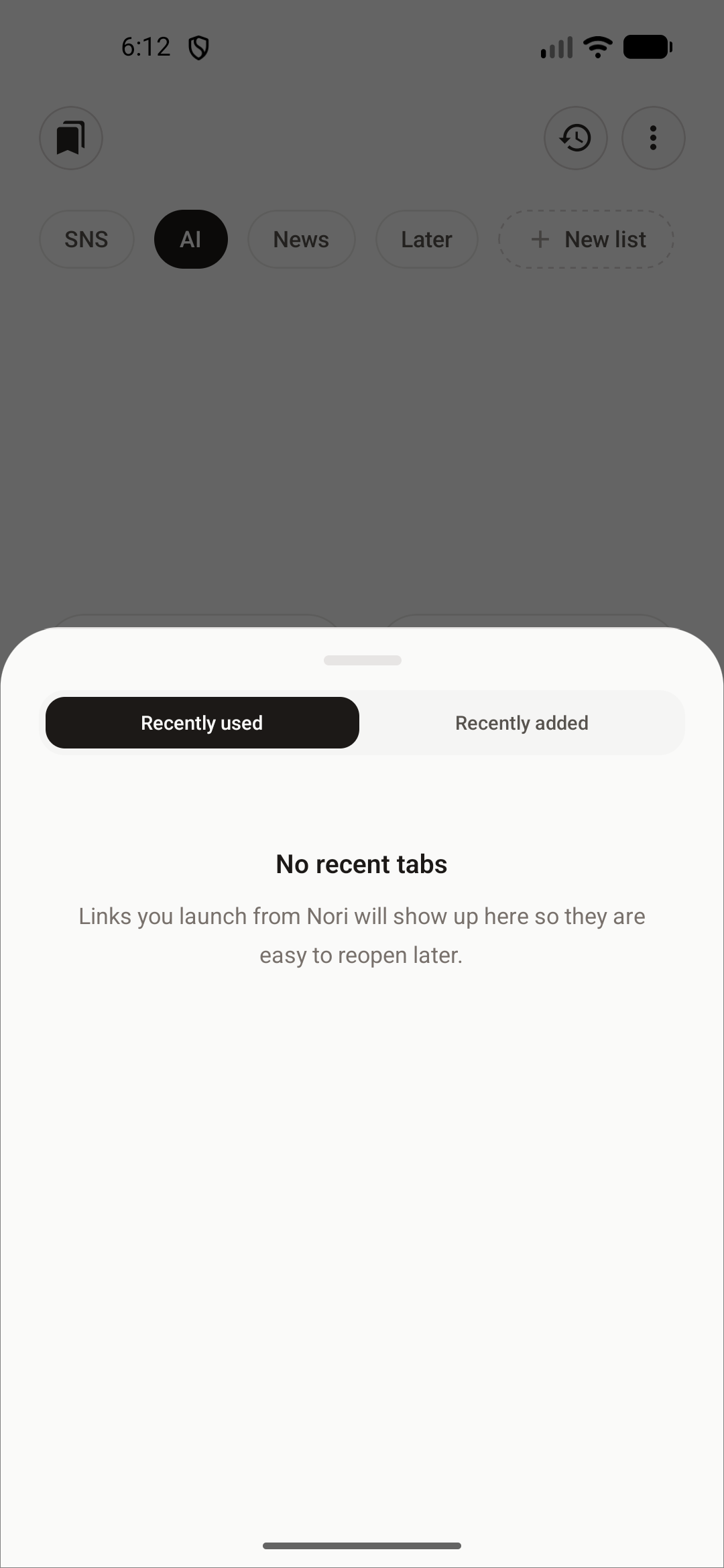
Launch History
Quickly reopen recently launched bookmarks or view newly saved links without searching.
Editing
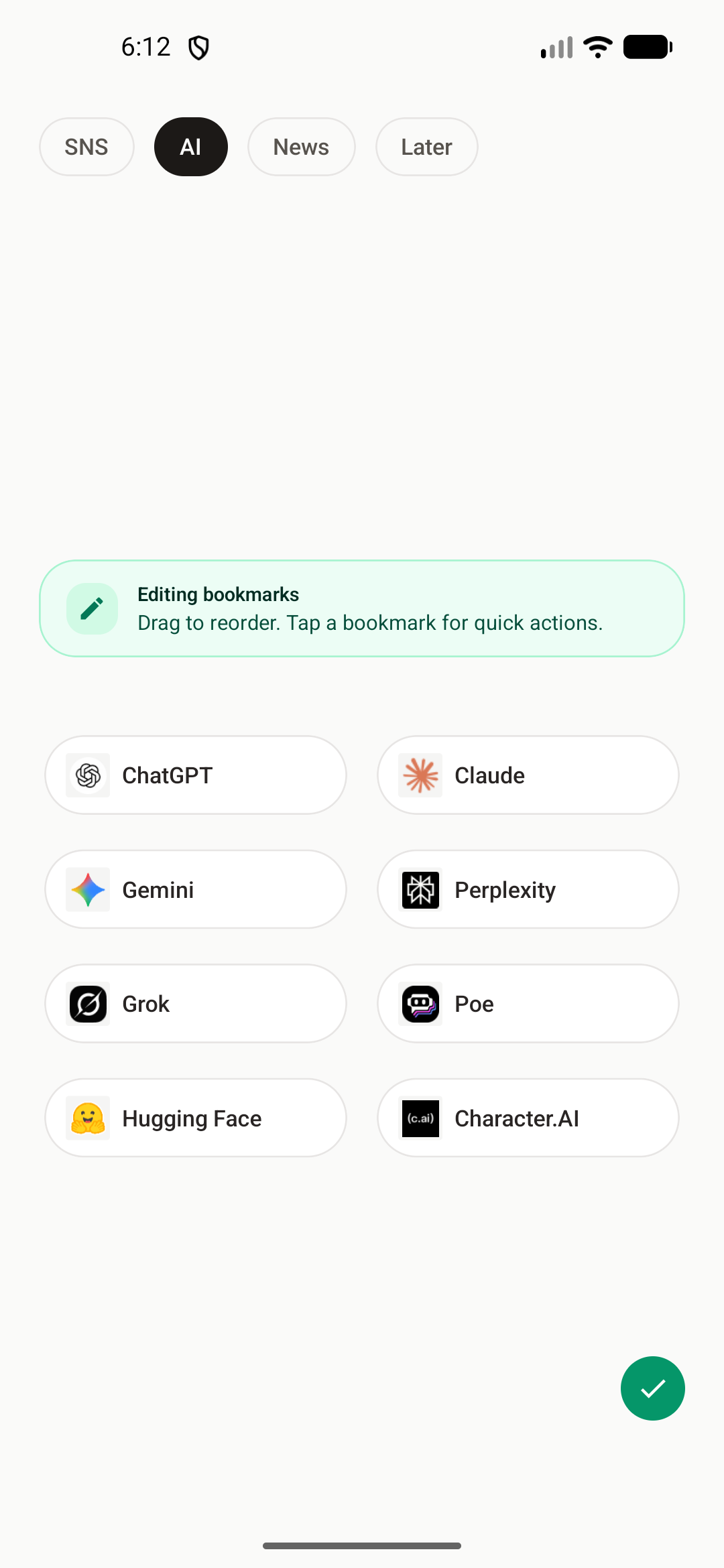
Edit Mode
Rearrange bookmarks with drag-and-drop, tap for quick actions, or batch-manage items.